I’m the beepy reminder girl. My device goes BING! and I do stuff.
I’m learning that in many ways, this is something of a mistake. Don’t get me wrong. It’s great to develop routine habits — making the bed, washing clothes, that kind of thing. It’s good for a cue to do routine maintenance.
Where it falls down is when you’re planning a project or working on something where you need to create or concentrate.
Can the beepy reminder go BING! and then you write 1,000 words?
Sort of. I mean, you can. But the problem is that attention, energy and mood matter to creative work. More, beepy reminders interrupt you when you might be deep in creative work.
I want my house clean, yes. But I also want to write books and articles. I want to do cognitive work. I don’t want a beepy reminder bugging me at 10 am that I need to go ahead and fold the clothes from the dryer when I am in the middle of torturing my main character or analyzing the flaws in an organizational system for an article.
I’ve talked about flow before, and how interruptible tasks have often been considered “women’s work,” which very much interferes with the flow state and creative work.
The Bullet Journal is better than beepy reminders for encouraging a flow state.
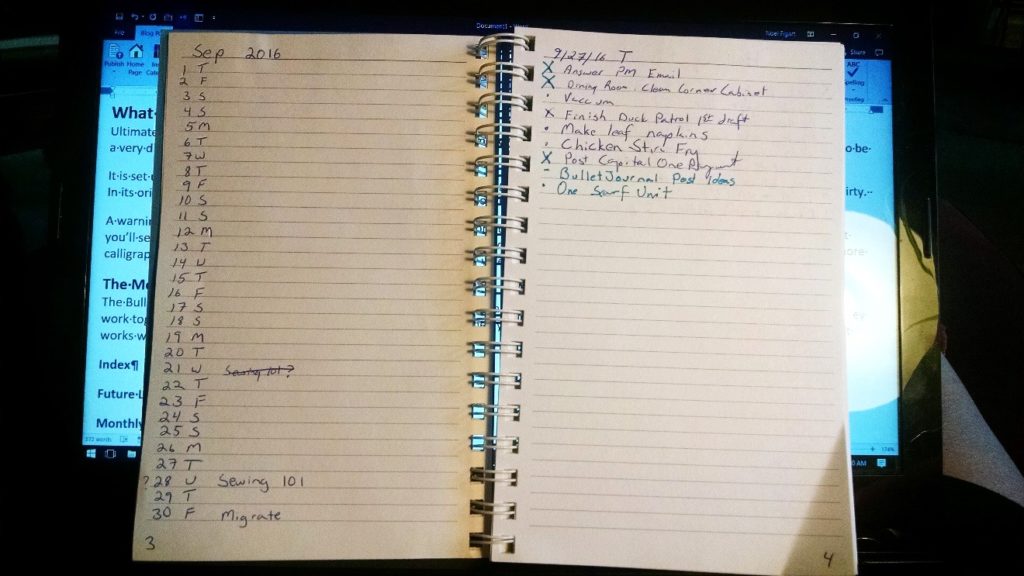
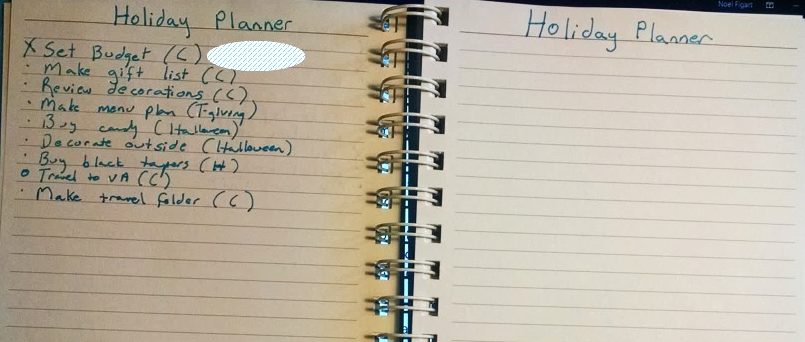
I have used the Bullet Journal for some really mundane stuff this month. Encouraging me to clean the house, stay on top of finances – that sort of thing. But I’ve also been using it for more long-term work. I have sections for business planning and for a book I am writing. I can always schedule specific tasks to work on for specific days, mind. And I do.
But one of the things that the Bullet Journal is really helping me do is plan my day for more, instead of less, focus. The beepy reminders, for all that they help me keep my house clean, completely screw up my focus for writing.
What I Don’t Do
I’ve been researching Bullet Journals online. There are a lot of amazingly creative people that will draw themselves time period layouts (days, weeks, months) in colors, use color coding, write some headings in calligraphy, draw pictures in their journals and other things. They look great, and I can imagine that it’s fun and soothing to do.
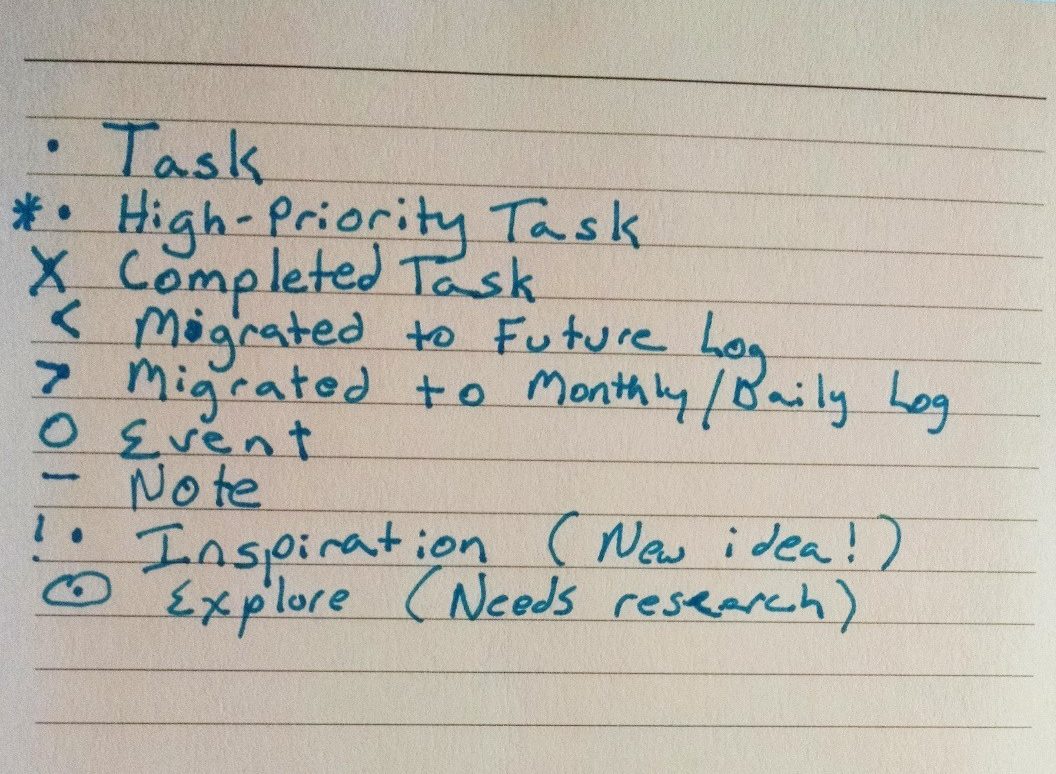
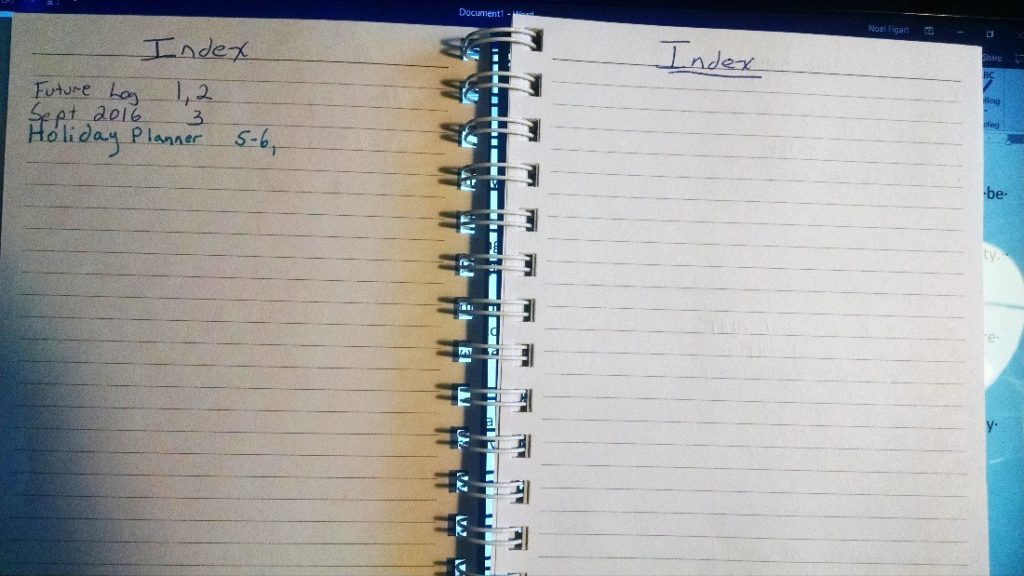
I don’t do this. Mostly I don’t because I can’t draw and my handwriting is terrible, as you can see in the images. I also don’t do it because the “art project” aspect doesn’t add to its usefulness to me. If I want pretty pages and so on, I have a million computer tools that I can use to do so, and it’s not entirely the point of this experiment.
So, if you find yourself drawn to the art project version of Bullet Journaling (and sorry, purists and minimalists, it’s just as valid a use of the system, so get off your high horse), I’m not going to be a very reliable reporter of the experience or the usefulness.
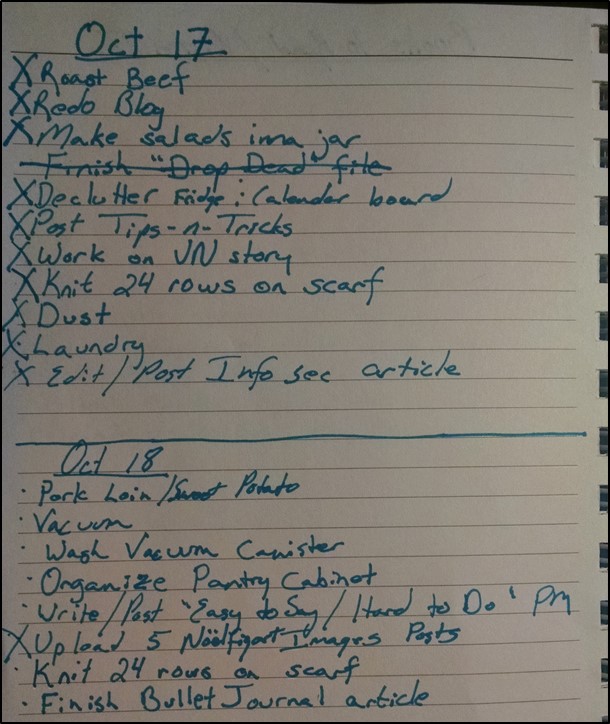
Figure 1: My wretched handwriting
What I Do
The Bullet Journal is a productivity tool that packs a subtle punch. At its purest, it’s absurdly simple to use. It also focuses your brain in a way that I’m sorry to say that computerized tools don’t. This is coming from the Gadget Queen. I especially adore electronic devices, and genuinely do use them heavily. I read on a tablet (or my computer, since there are plenty of e-reader apps for the PC, too). I use my tablet for knitting charts and use OneNote to keep track of where I am in a lace chart. My media collection is mostly digital. I loves me some gadgets.
Even in the face of that, I’m finding the paper journal is better for overall productivity.
Why paper is working better for me
The module layout of the Bullet Journal is quite fluid and allows for creating both date and topic collections of information. When I want to sit down and have a long planning session about a book I am writing, I can keep my notes in a single module. However, if there is something specific about that project that is conducive to a task, I can make that task and migrate it very easily to a specific day where I will be taking action on it.
This means that the actions I’m taking, instead of being “busy” for the sake of being busy, are actual things that will move my project forward.
There is a certain permanence that I tend to associate mentally with paper as well. Since I know it’s really only reasonable to have ten or so tasks to perform in a day, and I’m writing out my to-do list the night before, I’m thinking carefully about what I am going to do. The act of physically writing it seems more serious somehow, if that makes any sense.
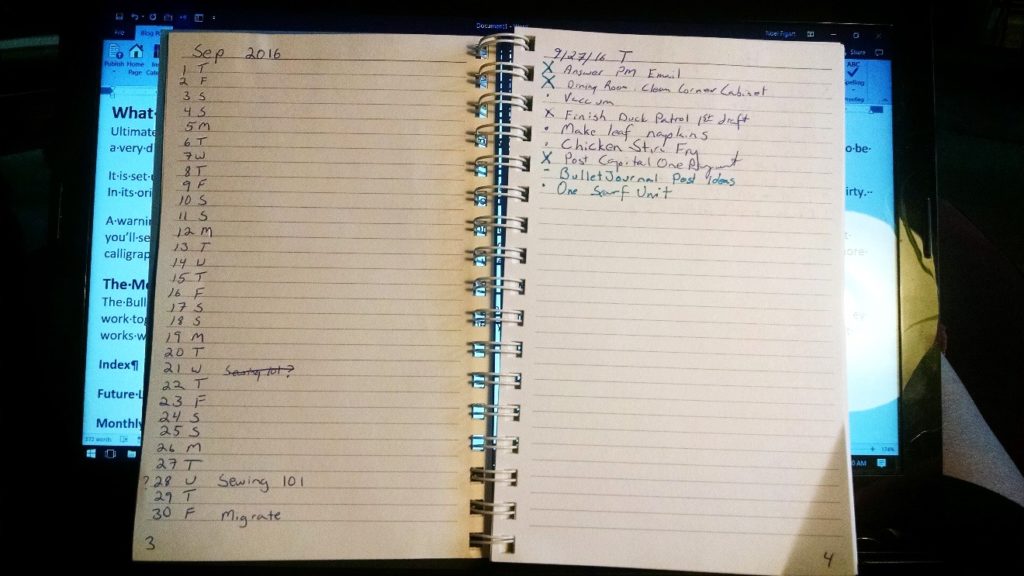
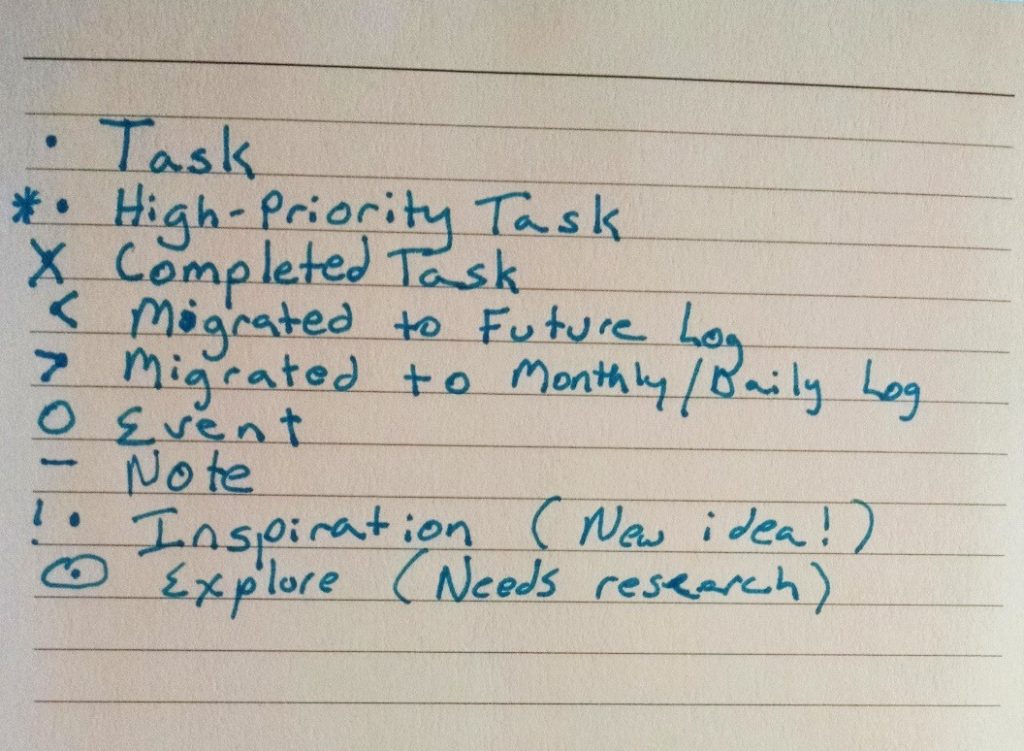
This also means that I’m procrastinating less. Oh, I still do some of that, and even blow off tasks. But when I do, it becomes very obvious. I either have to migrate it to a day I will do it, or I have to admit to myself that I’m not going to do it and cross it off. Phone calls I’m avoiding, or tasks I need to do but am balking at? I’m quicker just to do it to get it off my damn conscience with that nice X beside the entry.
That X is also incredibly motivating. One of the things most electronic task managers do wrong is make completed tasks disappear. In a way, it seems good, but seeing what you’ve actually done in a day also can feel pretty good and be motivating.
What doesn’t work for me on paper
That being said, no one system is perfect. There are things the Bullet Journal doesn’t handle well.
The first on the list is a physical reminder. I tend to get absorbed in a task and lose track of time. As a writer, this is not a bug, but a feature. Even so, there are occasions in which I need to drop what I am doing and go to a meeting, appointment or whatever. I like the electronic calendar for that. The fact that the Bullet Journal is a very personal thing also can be a drawback when you are dealing with a group or family project. The fact I can share my electronic calendar with my family is very nice. It makes things easier on us.
It also isn’t too much use in my detail cleaning schedule. I have a list of chores I do quarterly (well, every thirteen weeks) that I find I’d never remember if I had to schedule them daily. I suppose I could make a module that listed these chores and migrate them to daily chores. I don’t, though. I have them set up in my electronic task manager to repeat every thirteen weeks, and I just add the relevant daily chore to my Bullet Journal when prepping for the next day. Anything that’s routine, but on a long cycle might to better in electronic format.
As a freelancer, I also get a lot of my work from clients in the form of email. I am more likely to flag the email to follow up at the appropriate time (I use Outlook) than I am to do anything else.
Better thinking regarding accomplishment over time
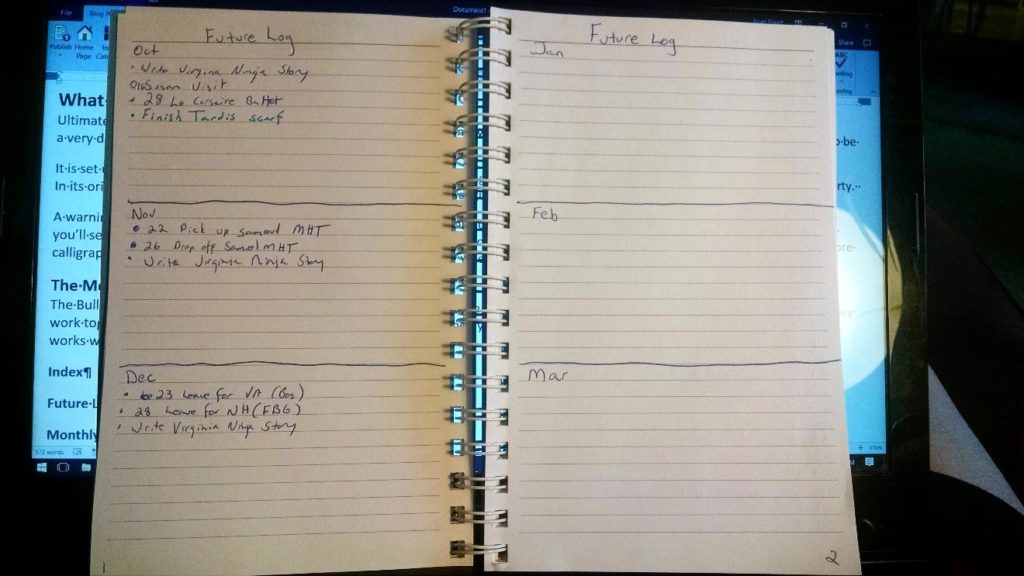
Some of the standard Bullet Journal modules – the Future Planner and the Monthly Planner, for instance, encourage you to look at things you want to accomplish over time better.
One thing I tend to find a drawback to the daily granularity is that I let time get away from me. I don’t necessarily think in terms of more than a week when I do this. With the Future Planner and the Monthly Planner, I really do think of what I want to accomplish over a month.
However, a couple of weeks in, I also realized that while the monthly and daily task lists are nice, I do like to see my week as a unit as well. So, I just added a module for the week and went on with my work.
For each unit of time, six months, month, or week, I will glance at what I am planning and migrate any tasks I want to accomplish during that time to the appropriate module. It sounds like a lot of work and migrating, I know. But it turns out to be less than you’d think. Why? It forces you to think clearly about what you need/want to get done, but also forces you to think about whether or not what you’re doing is going to accomplish any of your goals or is just busywork.
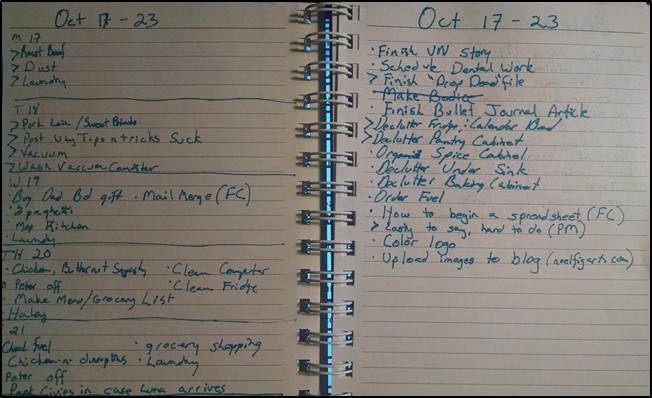
Figure 2: A Weekly Spread